

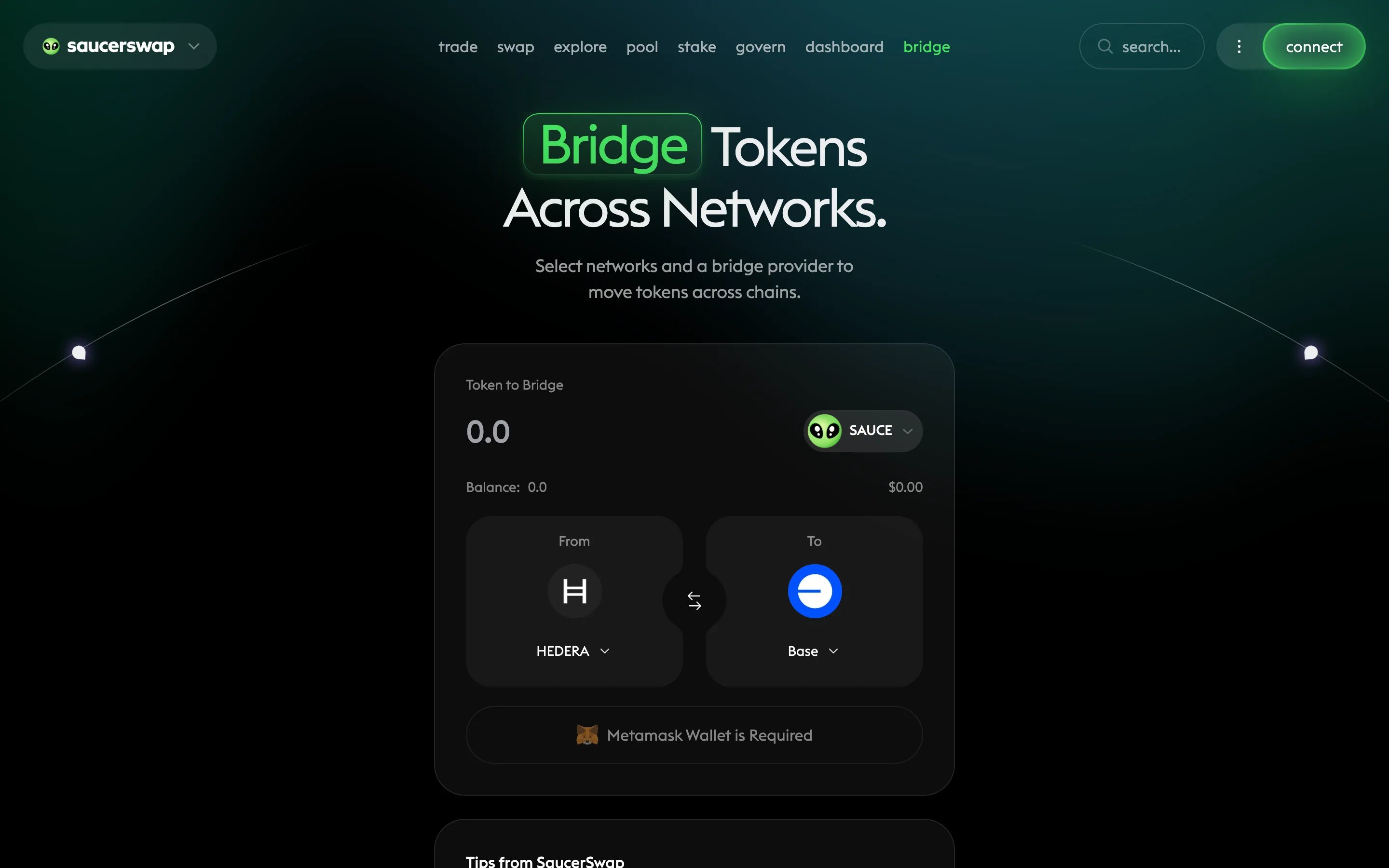
The bridge page of the SaucerSwap web app.
Prerequisites
- A connected wallet — cross-chain routes generally work best with an EVM wallet such as MetaMask, which can hold assets on both sides
- Gas on the source chain (HBAR when bridging from Hedera; the native token of the source chain otherwise)
- The token you want to bridge
Bridge step by step
1
Open the bridge page
Go to the bridge page and connect your wallet.
2
Choose source and destination
Select the source chain and the token you are sending, then the destination chain and the token to receive.
3
Enter the amount and review
Enter how much to bridge. Review the quoted route, the estimated fees (network gas on both chains plus the route’s bridge fee), and the estimated arrival time before continuing.
4
Approve and confirm
Approve the token if prompted, then confirm the bridge transaction in your wallet.
5
Wait for delivery
Cross-chain transfers take anywhere from a few minutes to a few hours depending on the chains involved. The source-chain transaction confirming quickly does not mean the transfer is complete — delivery happens in a second transaction on the destination chain.
6
Verify arrival
Check your balance on the destination chain. For Axelar-routed transfers, track progress on AxelarScan by searching your transaction hash or wallet address.
Troubleshooting
More error-keyed fixes are in Troubleshooting.
Next steps
Bridge routes explained
The Axelar and LayerZero routes, and the Hashport decommission notice.
Swap your bridged assets
Trade bridged tokens for any listed HTS token.
List your token cross-chain
Token issuers: deploy an HTS token to other chains via Axelar ITS.